Seller guide
How to sell on Instagram and TikTok from your bio
Show your products on a page of your own, and put its link in your bio. Each item leads to its page in your shop: followers buy without asking you where.
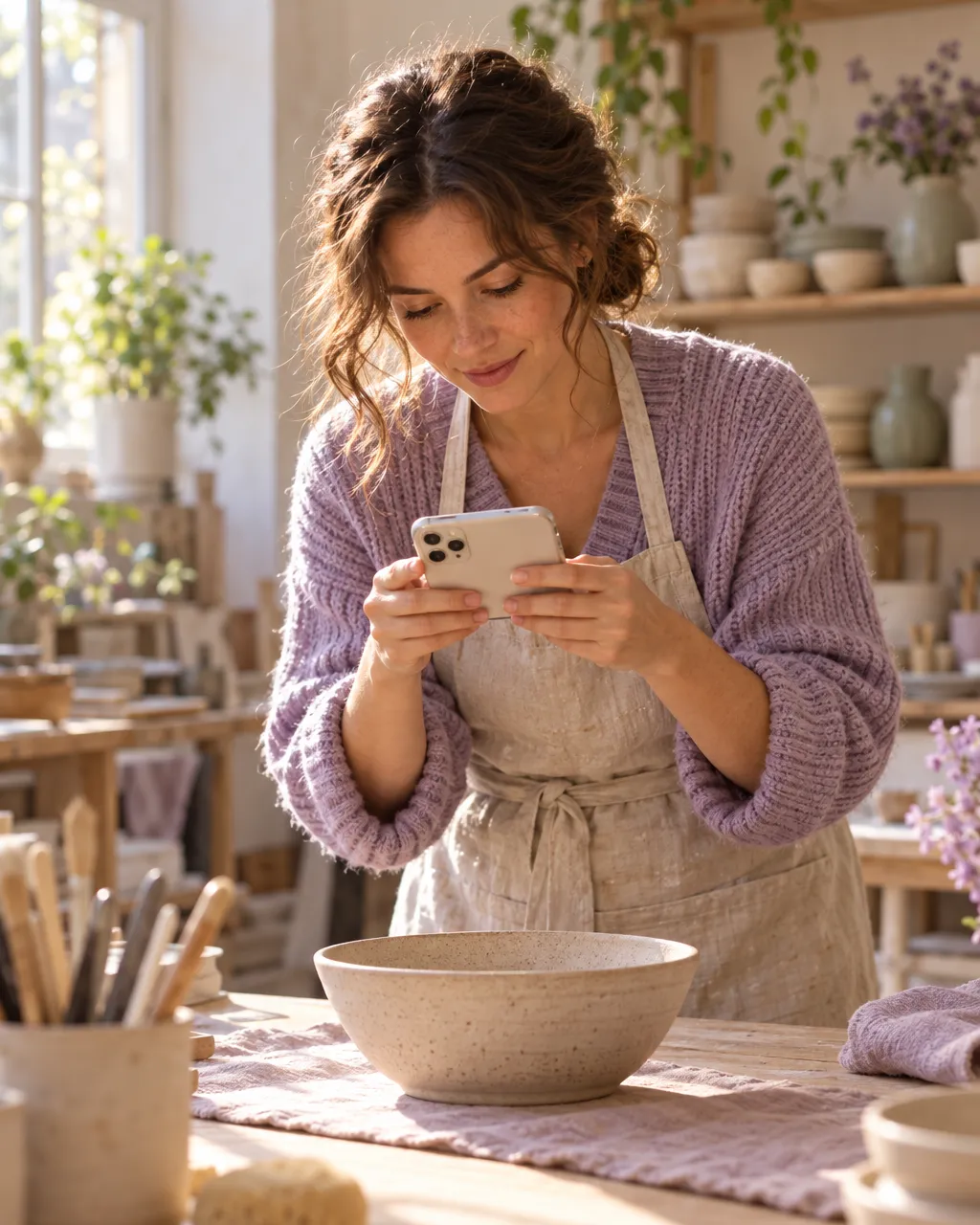
Your bio today

Your bio with Partn
partn.io/mira.studio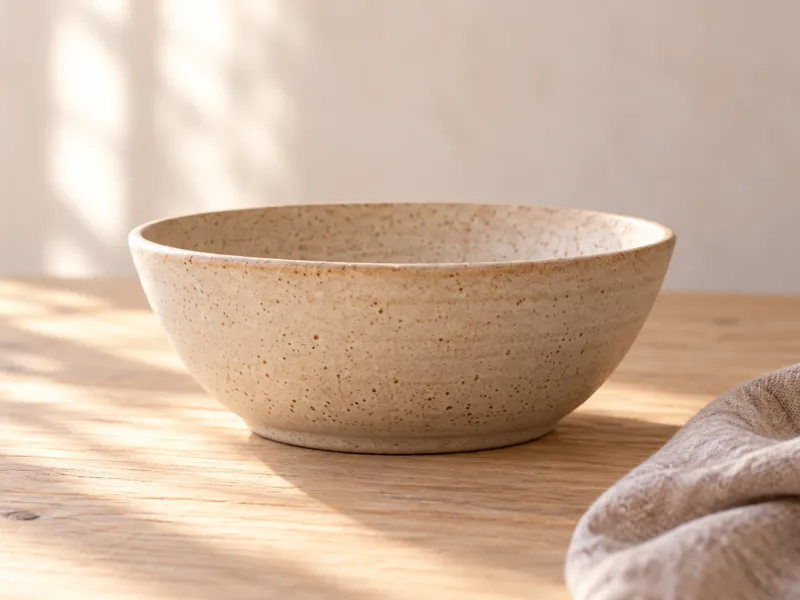 Stoneware bowl$32mirastudio.com
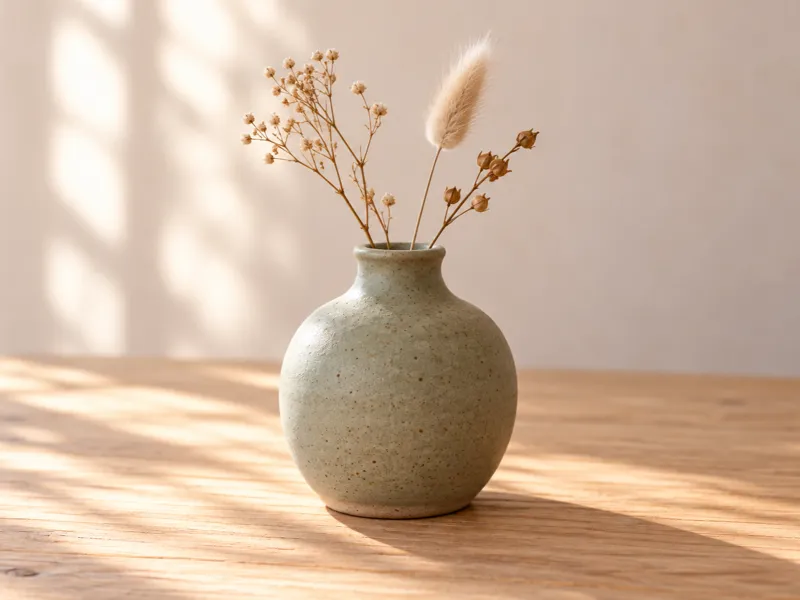 Sage vase$52
$60mirastudio.com
Your followers want to buy, but can't find where
Under every post, the same questions. You answer them one by one, by DM.

 lea.bWhere can I get this?
 tom_rPrice?
 nina.kDo you ship to Chicago?
 sam.pLink pls
People who don't dare ask just scroll on.
Every unanswered question is a sale left waiting.
Your options
How to sell on Instagram and TikTok: 4 ways compared
Each has a catch.
DMs
Buyers have to ask, and every reply eats your time.
The app's shop
Instagram Shop or TikTok Shop: it only lives inside the app.
Link in bio to your shop
Buyers land on the home page and hunt for the item.
The fourth way
Your Partn page
- Free
- Each item has its link
- Works outside the app: bio, website, newsletter
- Other accounts feature you, free or paid
Keep what already works: your Partn page adds to it, it replaces nothing.
See the full comparison
| Method | Free | Buyers find the item alone | Works outside the app | Other accounts feature you |
|---|---|---|---|---|
| DMs | FreeYes | Buyers find the item aloneNo, they have to ask | Works outside the appNo | Other accounts feature youNo |
| The app's shopInstagram Shop, TikTok Shop | FreeDepends on your country and its rules | Buyers find the item aloneYes | Works outside the appNo | Other accounts feature youDepends on the app |
| Link in bio to your shop | FreeYes | Buyers find the item alonePartly: they land on the home page | Works outside the appYes | Other accounts feature youNo |
| Your Partn page | FreeYes | Buyers find the item aloneYes, each item has its link | Works outside the appYes: bio, website, newsletter | Other accounts feature youYes, free or paid |
How it works
Sell from your bio with Partn in three steps
Partn gives you a page with your name. It shows your items; the sale happens in your shop.
- 01
Create your page
An image and a sentence: what you do.
- 02
Add your items
Photo, name, price, and the link to their page in your shop or on Etsy.
- 03
Post your link
In your Instagram bio, in TikTok's “Website” field, on your website, in your newsletter.

Partner featured
Neighboring accounts can feature your page on theirs, free or paid: they accept or decline. mira.studioBowls built to last, thrown one by one.Visit the shop
Partn takes nothing from the sale.
As long as your link brings in visitors, Partn suggests your items on complementary accounts, never on a direct competitor's.
Frequently asked questions
Do I need a website to sell on Instagram?
You need at least one page where the item can be bought: your shop, Etsy or another selling platform. Your Partn page shows your items and links there; it doesn't take the payment.
Can I keep my current link in bio?
Yes. Put your Partn link in your bio, and add your old link as the website on your Partn page, next to your items. Your visitors still find everything.
What about Instagram Shop or TikTok Shop?
Keep them if you use them: your Partn page works alongside. On TikTok, the profile link unlocks at 1,000 followers or with a verified business account.
Is it free?
Yes, creating your page and showing your items on it is free. Add your products, post your link in your bio, and your followers finally know where to buy.
Your followers are already here. Show them where to buy.
Create your page, add your items, then post your link in your bio, on your website and in your newsletter.
Show my products for free